Introduction
This software version is intended for all MiR systems.
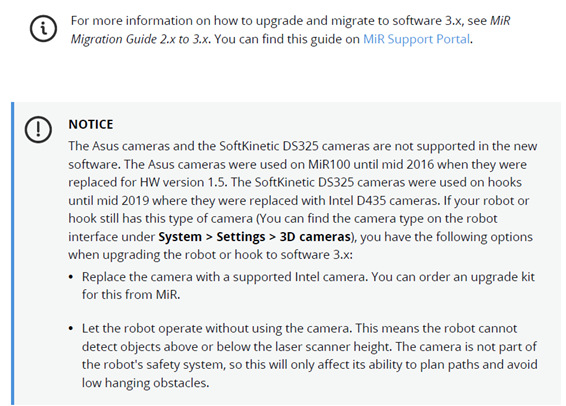
We recommend that your robots are running the latest version of software 2.x before upgrading. Find the latest software on MiR Support Portal.
Upgrading from software 2.x to 3.x is a major change that requires more time and preparation than a regular update. You need to schedule sufficient downtime for this process and follow the steps in MiR Migration guide 2.x to 3.x. You can find this guide on MiR Support Portal. This guide will help you understand the differences between the software versions and how they affect the robot and zone behavior.

Description
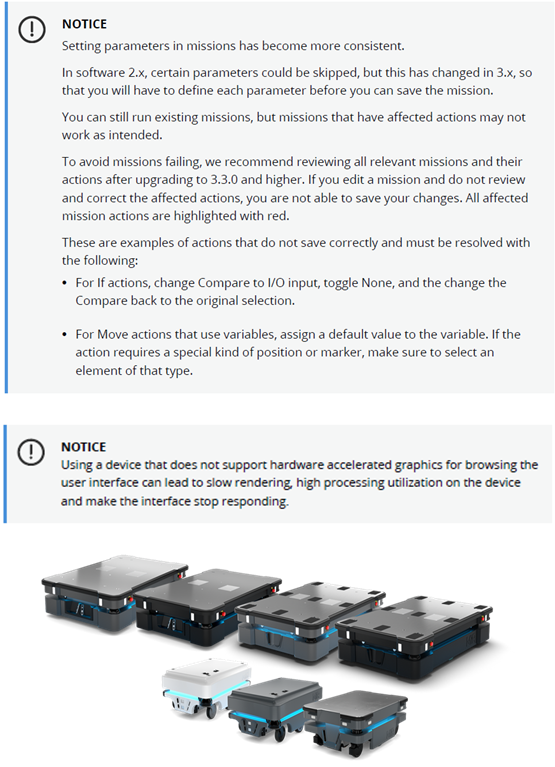
This major software upgrade introduces a new user interface for both MiR robots and MiR Fleet.
The software also introduces new planning methods that are more efficient and consistent, and the upgrade includes changes to the system structure of the software for MiR robots and MiR Fleet. The new system structure uses upgraded operating systems and software, providing a more robust system and better cybersecurity.
Due to these changes in the system structure, the method of upgrading both robots and MiR Fleet have changed.
Release webinar
We are happy to invite you to a release webinar about the newly released 3.3.2 software in Zoom on Wednesday, December 13 at either 9.00 am or 3:30 pm CEST.
To register for the webinar and to find more information about the event, go to one of the following links:
The webinars will be open 10 minutes before the starting time and will last approximately 1 hour.
New user interface
The user interface for MiR robots and MiR Fleet both have a new look and functional changes.
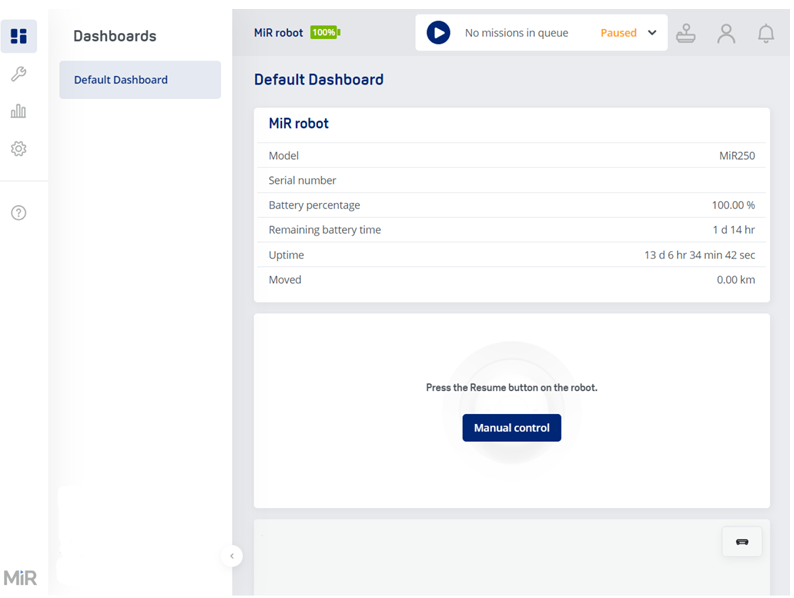
The main improvements are:
The revised map editor allows you to edit the map in two layers:
The floor plan: The floor plan consists of the data that represents walls and floor, either recorded directly with the robot or uploaded to the interface in an image format.
Components: On top of the floor plan, you can add map components such as zones, markers, and positions. These elements can be selected and edited directly.
- Map viewer includes option to filter which zones are shown on the map
If you had several zones, positions, and markers on top of each other on a map, it was difficult to select the component you wanted to interact with, especially when they were layered. This has now been solved by enabling you to filter which zones, markers, and position types are shown on the map.
- Resource queues in MiR Fleet
When you open a map in the MiR Fleet interface, there is now a tool you can use to see the robot queue for a selected resource on the map.
MiR Fleet now has a separate page for organizing Charging groups, Robot groups, and Staging groups. You are now able to clearly see which robots and components are part of which groups on the same page and you can quickly add and remove robots and components from the groups.
Staging groups are a new type of group that work the same way as Charging groups, but with Staging positions instead of charging stations.
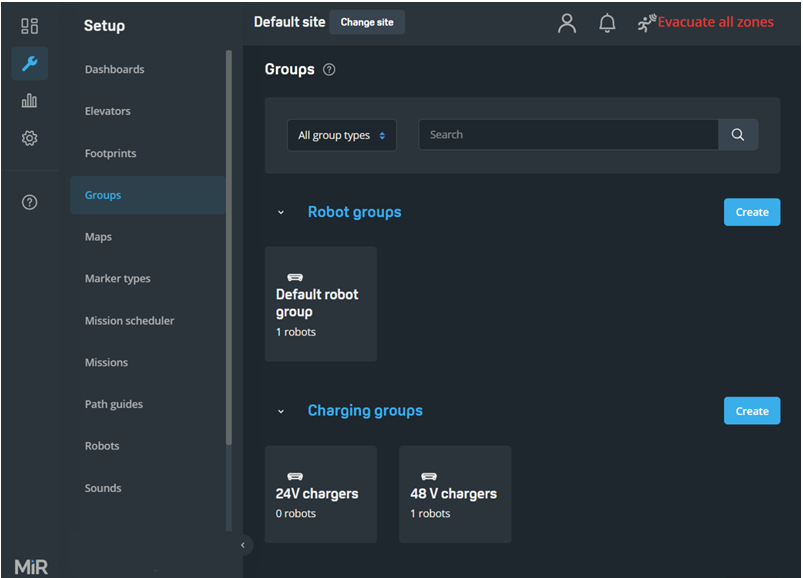
The created dashboards are now saved in the first menu option and can be opened from there. For an overview of all the dashboards and to edit or create dashboards, go to Setup > Dashboards.
For each user group, you can enable an automatic sign-out so the user is signed out from the interface after a set amount of time.
Many pages in the user interface have been improved with a search bar. The search bar enables you to find components or settings quickly.
The new user interface includes a notification system that informs about the progress of certain processes or the state of the robot or MiR Fleet. Error notifications are still provided in their usual format.
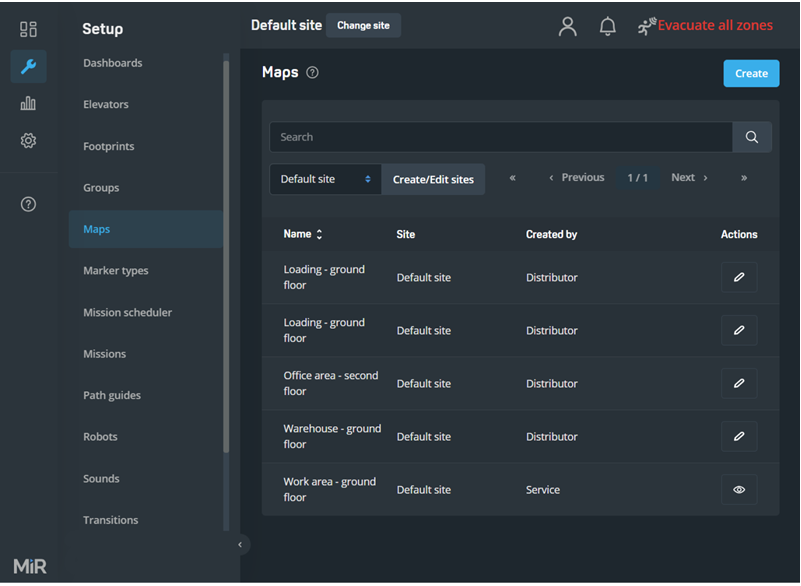
Under Setup > Maps, the listed maps are no longer grouped under the site they belong to. You can use the drop-down menu at the top to select a site, so only the maps for the selected site are displayed. To activate, export, and import sites, select Create/Edit sites next to the drop-down menu.
- Central user and access management in MiR Fleet
It is now possible to set up to use OAuth 2.0 and OpenID Connect 1.0 for central user and access management—see How to set up MiR Fleet to use OAuth 2.0 and OpenID Connect 1.0. You can find this guide on MiR Support Portal.
- Endpoints, API calls, and speed
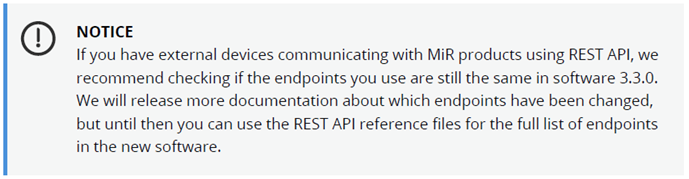
Some endpoints have been modified and the number of API requests has been reduced, meaning that the robot interface runs faster. For a full overview of changes in the endpoints, see the latest REST API reference file for software 3.x.
|
Comments
0 comments
Please sign in to leave a comment.